
Quick answer: Item details explain where a value came from and when the asset was acquired and ready for use.
Before you begin #
Have receipts or other cost records where available, plus acquisition and service dates.
Steps #
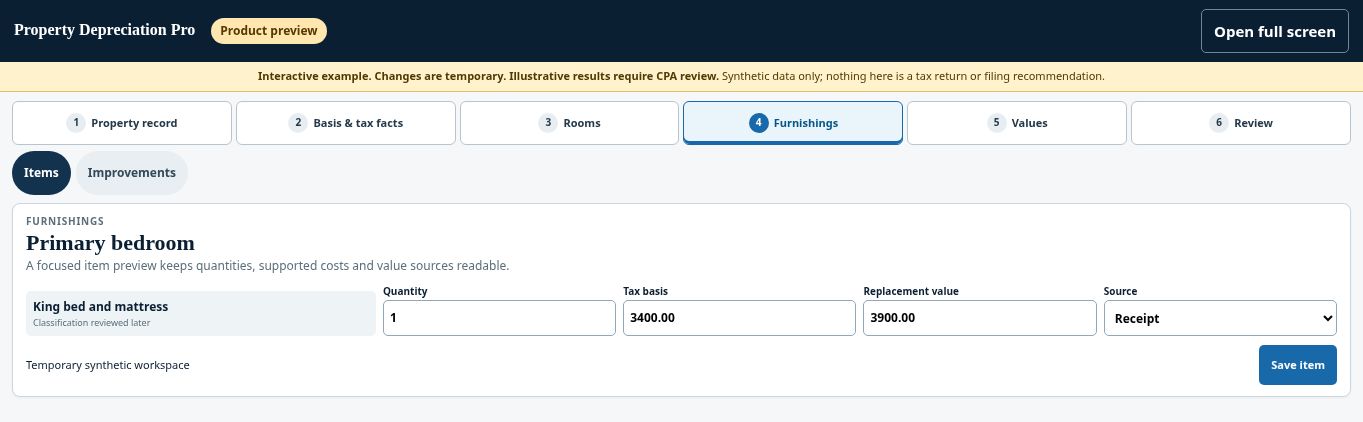
- Open the item details and confirm quantity.
- Review the tax-basis and replacement-value fields separately. Enter values in the correct field.
- Record the available source and condition information. Identify estimated amounts honestly.
- Review asset-vintage, acquisition, and ready-and-available dates, then save.
See this stage in the current demo #
Check before continuing #
Section verification does not convert an estimate into a receipt-supported cost. Make missing source documents visible.
If you get stuck #
If a cost or date is unknown, do not invent precision. Keep the uncertainty visible for review and ask what support is needed.
Related help #
Open Property Depreciation Pro and select the relevant property. View the product tour.
This guide explains software use. Your CPA independently reviews classification, tax treatment, elections, and whether deductions are available or usable for your circumstances.


