
Quick answer: Correct errors in the underlying property facts, then check the report version and review status before sharing again.
Before you begin #
Identify the incorrect field and the record supporting its correction.
Steps #
- Open the correct project and return to the intake or edit section containing the error.
- Update the factual field and save. Add or preserve the supporting explanation.
- Return to review and follow any renewed verification or review requirements.
- Check the version of any revised export and tell your CPA which file reflects the correction.
See this stage in the current demo #
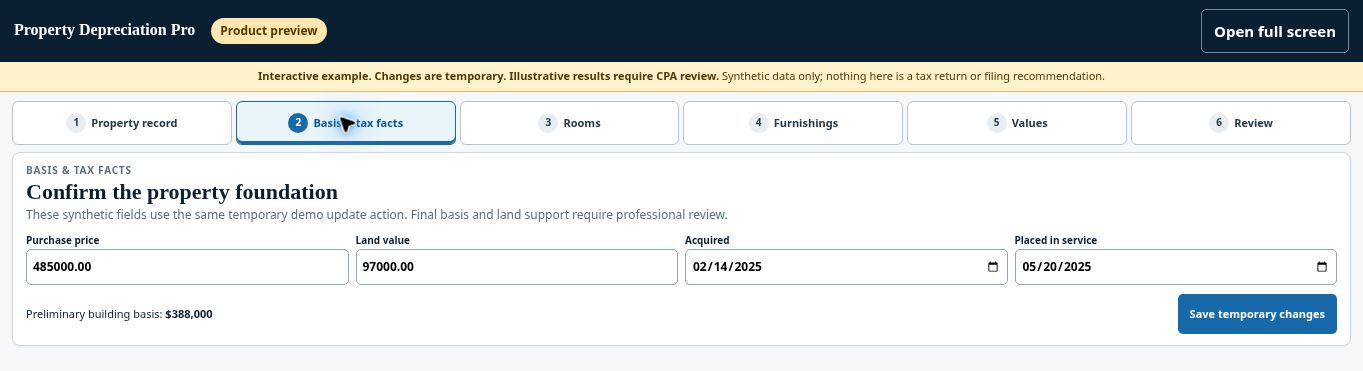
Try the Basis & tax facts demo →
Check before continuing #
Editing a field does not by itself confirm that an already-delivered report has been replaced. Check the resulting version.
If you get stuck #
Correction windows, post-delivery regeneration, and any fees need the current product policy. Request confirmation if the software does not clearly show the allowed next step.
Related help #
- Check readiness and complete checkout
- Download your report and depreciation spreadsheet
- Share a project with your CPA using a secure link
Open Property Depreciation Pro and select the relevant property. View the product tour.
This guide explains software use. Your CPA independently reviews classification, tax treatment, elections, and whether deductions are available or usable for your circumstances.


