
Quick answer: Rental-use selections describe how the property is operated or being prepared. They do not decide passive-loss treatment or whether a deduction can offset other income.
Before you begin #
Know whether the property is short-term, mid-term, traditional rental, mixed use, vacant, or being prepared for service.
Steps #
- Review the rental-use choices in the property check.
- Choose the option that matches the actual situation for the project period.
- Keep personal-use and operating records available for later review.
- If the use changes, update the factual project information and discuss the change with your CPA.
See this stage in the current demo #
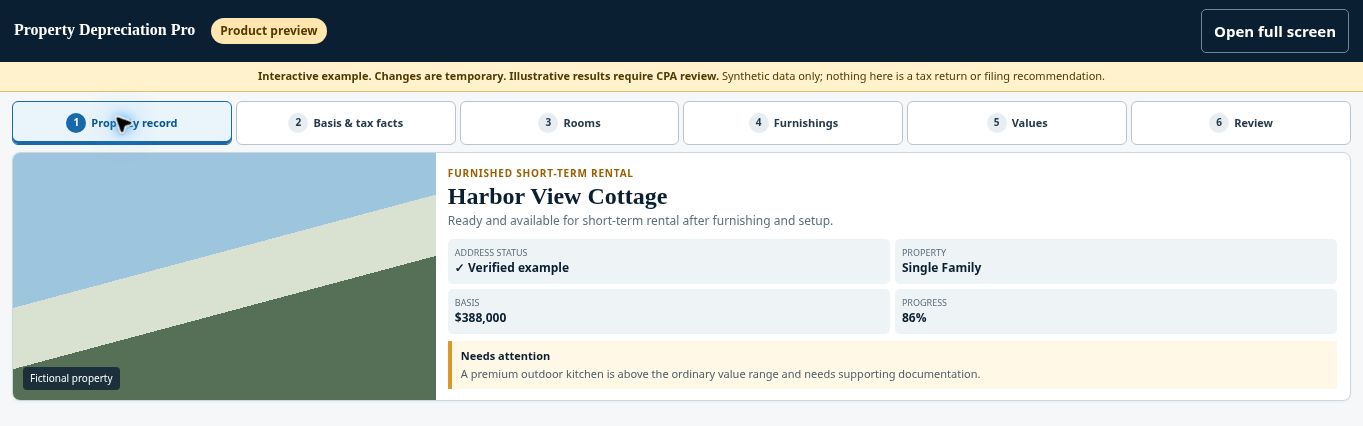
Try the Property record demo →
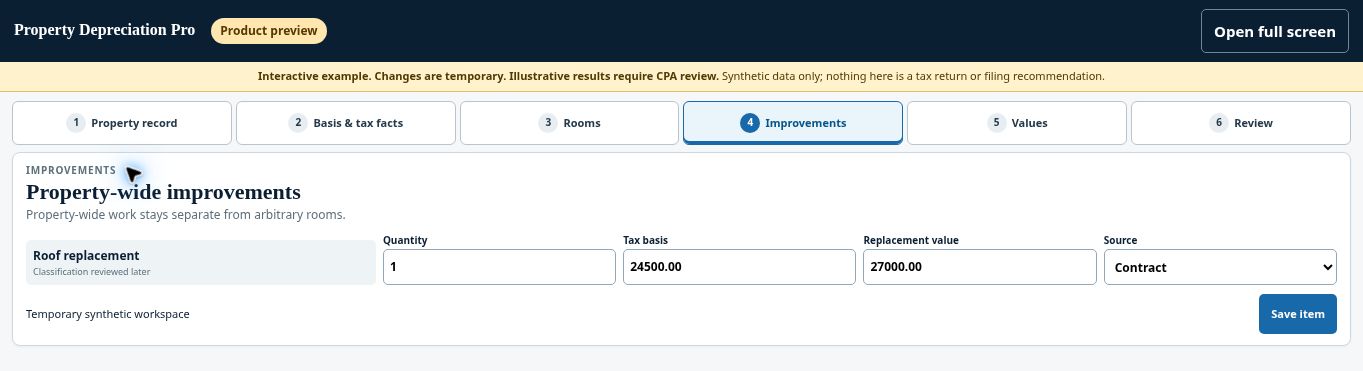
Try the Long-term rental improvements demo →
Check before continuing #
The project should reflect actual use, not the tax outcome you hope to achieve.
If you get stuck #
Average stay, services, participation, personal use, and other taxpayer facts can affect treatment. Refer those questions to your CPA.
Related help #
- Start a free property check
- Verify your address and property-data prefill
- Check property type and complexity before continuing
Open Property Depreciation Pro and select the relevant property. View the product tour.
This guide explains software use. Your CPA independently reviews classification, tax treatment, elections, and whether deductions are available or usable for your circumstances.


