
Quick answer: Manage separate properties in your portfolio. A cloned project still requires a full factual review for the new property.
Before you begin #
Have the new property’s address, acquisition facts, room list, and supporting records.
Steps #
- Open the portfolio and use the available new-property or clone action.
- If cloning, review the copied content before using it for a different property.
- Replace the address, basis, dates, inventory, ownership, and other property-specific facts.
- Verify the new project independently and review its actual checkout price.
See this stage in the current demo #
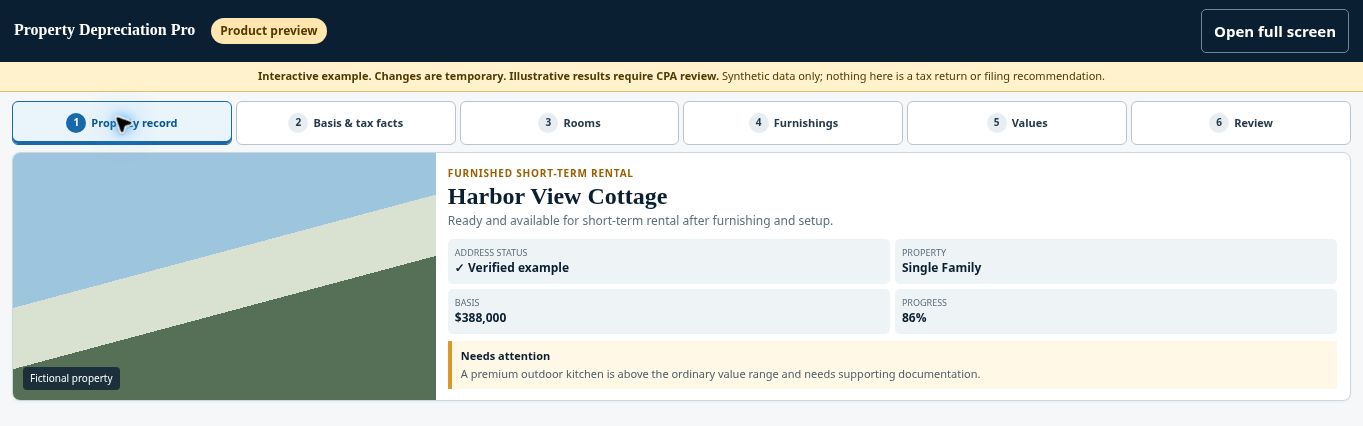
Try the Property record demo →
Check before continuing #
Do not carry an earlier property’s source records or dates into a new property as though they support it.
If you get stuck #
If you see duplicate projects, compare their contents before removing or abandoning one. Do not assume the cheaper or more complete project has the correct facts.
Related help #
Open Property Depreciation Pro and select the relevant property. View the product tour.
This guide explains software use. Your CPA independently reviews classification, tax treatment, elections, and whether deductions are available or usable for your circumstances.


