Furnishings, appliances & improvements
Turn the room inventory into an organized property record.
Document what is present, when it was acquired, the amounts entered and the records available for professional review.
Room by room
Start with the items actually in the rental.
Name the rooms and use guided checklists to select furnishings and equipment. Adjust quantities instead of accepting a template as the property’s inventory.
Keep initial furnishings, later replacements and property improvements distinguishable.
- Bedrooms and sleeping spaces.
- Living and dining areas.
- Kitchen furnishings and appliances.
- Laundry and other equipment.
- Other rooms and property-wide improvements.
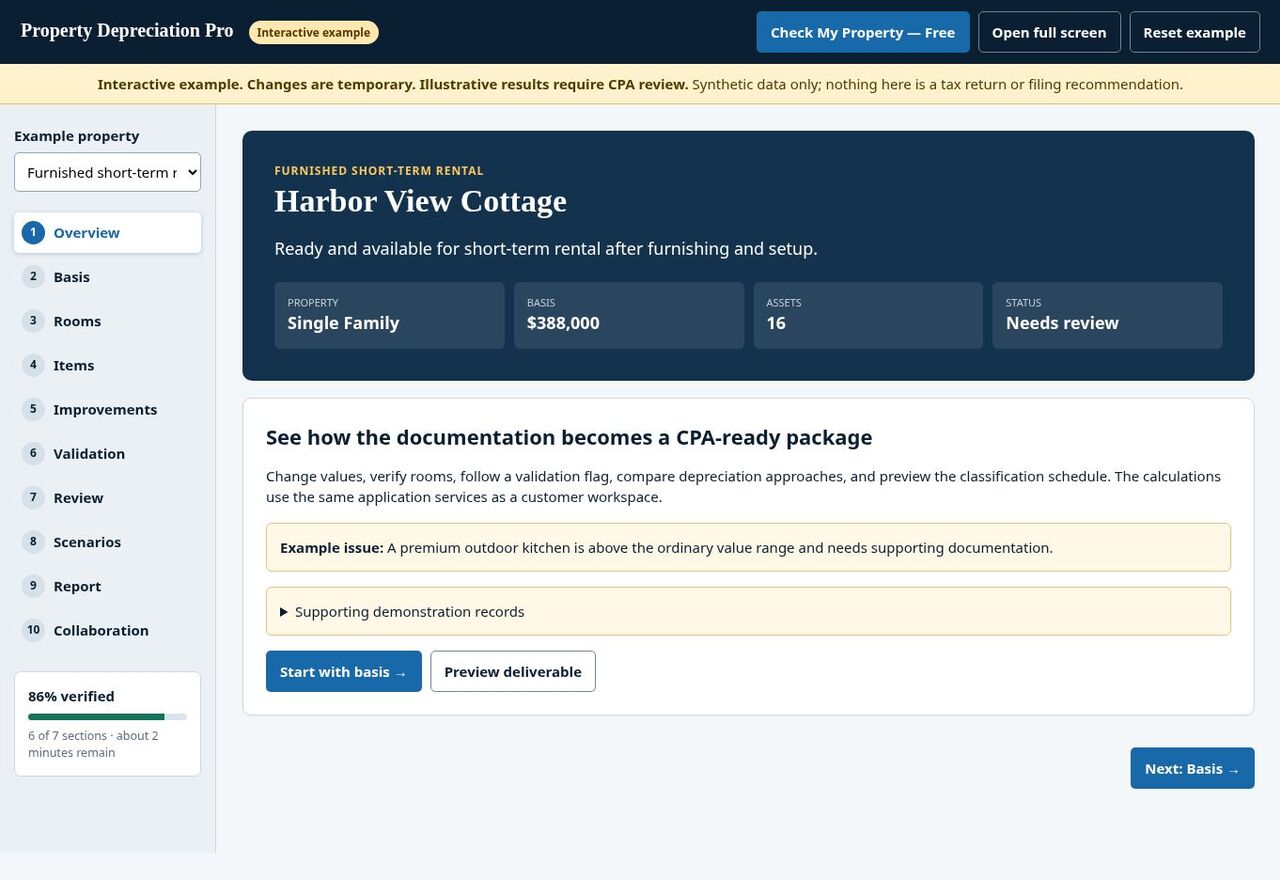
Explore synthetic property information using the app’s native tabs. You provide facts and supporting records; PDP organizes them for professional review.
This sample is not your saved customer property or a filing recommendation. Your tax professional determines final treatment.
A useful record answers more than “what is it?”
Item and location
Identify the item, quantity and room or property area. Include details needed to distinguish similar purchases.
Acquisition and service facts
Record purchase information and when the item became available for its intended rental use.
Amount and support
Identify the entered amount, whether it is a recorded cost or estimate, and the documents supporting it.
Do not treat every value as the same number.
Recorded purchase cost comes from acquisition records.
Estimated current value describes an estimate at a particular time.
Replacement cost estimates what a replacement may cost.
Your tax professional determines the appropriate tax basis and treatment. A suggested range does not establish either.
When a value is flagged
- Review the item, quantity and entered amount.
- Check the source record or estimate.
- Correct factual errors.
- Identify missing support or explain the entry for review.
Do not change a supported fact simply to remove a flag. Keep the record accurate and the review point visible.
Replacements and later work
Keep the new purchase connected to its own facts.
A replacement appliance or furnishing added later should have its own acquisition and service information. Record what happened to the older item when known.
Describe renovation or improvement work clearly so your professional can evaluate it.
Example: replacing a refrigerator
Record the new refrigerator’s purchase record, installation or service facts, location and entered cost. Identify the older refrigerator as replaced where the record supports that fact.
This example describes documentation. Your professional determines classification, treatment of the older asset and reporting.
Inventory questions.
Should I include items selected by a room template?
Only include items actually present or otherwise supported by the property record. Review template selections and quantities.
What if furniture came with the property?
Document the purchase terms and available allocation records. Identify any proposed estimate or allocation for professional review rather than treating it as verified cost.
Can photographs replace receipts?
Photographs can help document presence and condition. They do not by themselves establish purchase cost, ownership or tax basis.
Are all improvements assigned the same classification?
Do not assume that. Record the work and supporting facts so your tax professional can evaluate the appropriate treatment.