Documentation & sources
Gather the records behind the property package.
Use this checklist to organize purchase facts, dates, inventory and supporting documents for professional review.
Property documentation checklist
Build the file in practical groups.
Purchase and ownership
- Closing statement and purchase agreement.
- Ownership and entity information.
- Records of relevant acquisition costs.
- Available furniture or asset allocations.
Basis and land
- Support for the proposed land allocation.
- Available appraisal or other valuation records.
- Prior depreciation schedules, when relevant.
- Clear identification of temporary estimates.
Dates and use
- Acquisition dates.
- Records supporting readiness and rental availability.
- Rental-use and personal-use information.
- Later asset acquisition and service facts.
Furnishings and equipment
- Item descriptions and quantities.
- Invoices, receipts and purchase records.
- Room or property location.
- Available photographs.
Improvements and replacements
- Contracts and itemized invoices.
- Description of the work performed.
- Completion and service facts.
- Information about replaced items.
Professional review
- Open questions and missing support.
- Explanations of unusual entries.
- Assumptions requiring confirmation.
- The report version shared with your CPA.
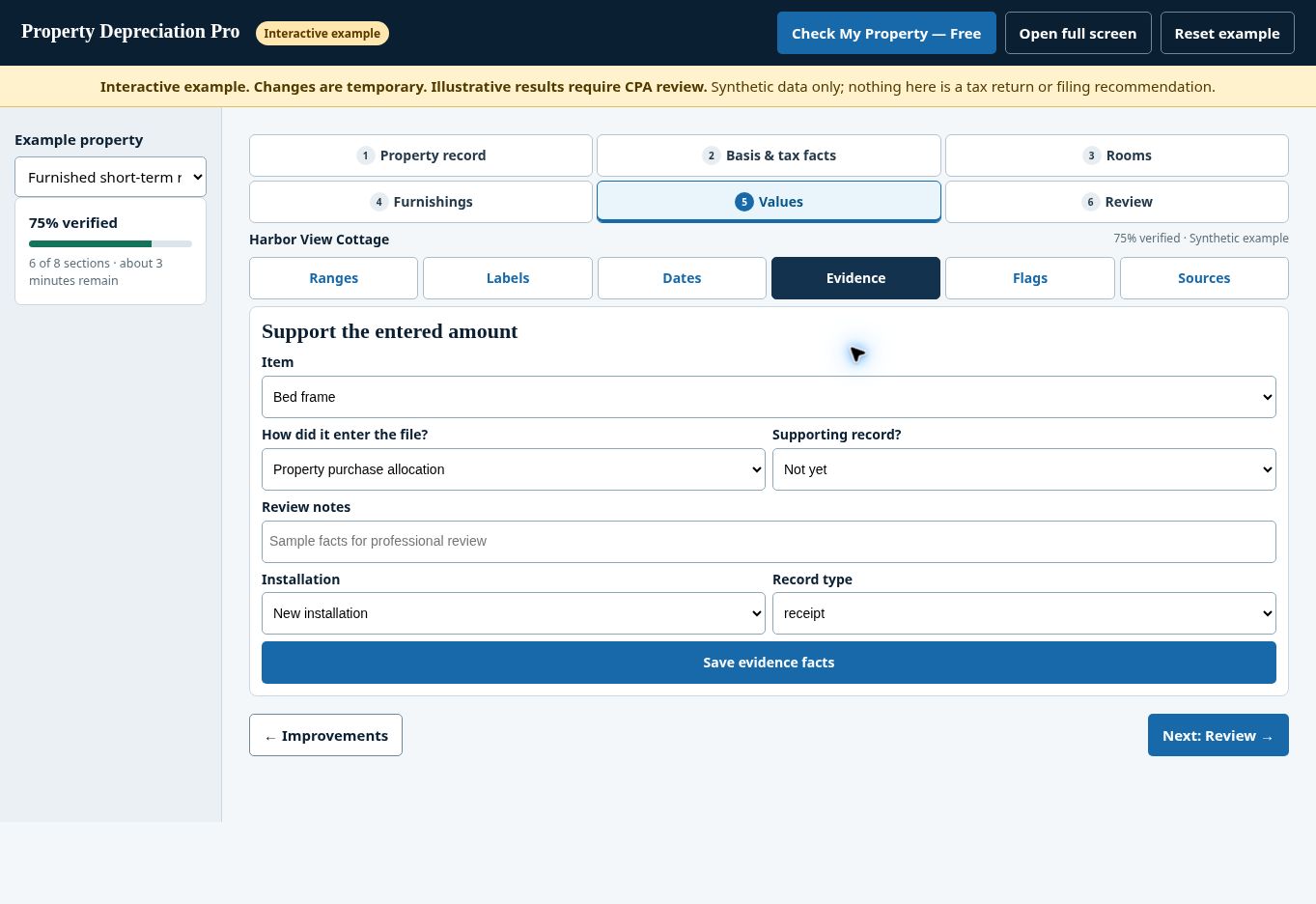
Match each document to the fact it supports.
A useful file shows what a record supports, which property or item it concerns and whether questions remain.
Use clear names such as “Kitchen refrigerator — purchase invoice” or “Property closing statement” when organizing uploads.
Keep original records alongside your downloaded package.
Missing evidence stays visible
Do not label an estimate as a documented cost. Identify missing records and explain the source of the amount entered.
Photographs can document presence and condition. They do not by themselves establish acquisition cost or tax basis.
Explore the actual workflow
Follow the record into a report preview.
Inspect the watermarked report preview for a furnished mid-term rental. The customer supplies property facts and supporting records; PDP organizes the documentation. This synthetic preview is separate from the downloadable sample files below and requires professional review.
This fictional example is separate from your customer account. Start a real property through the free property check when you are ready.
Check My Property — Free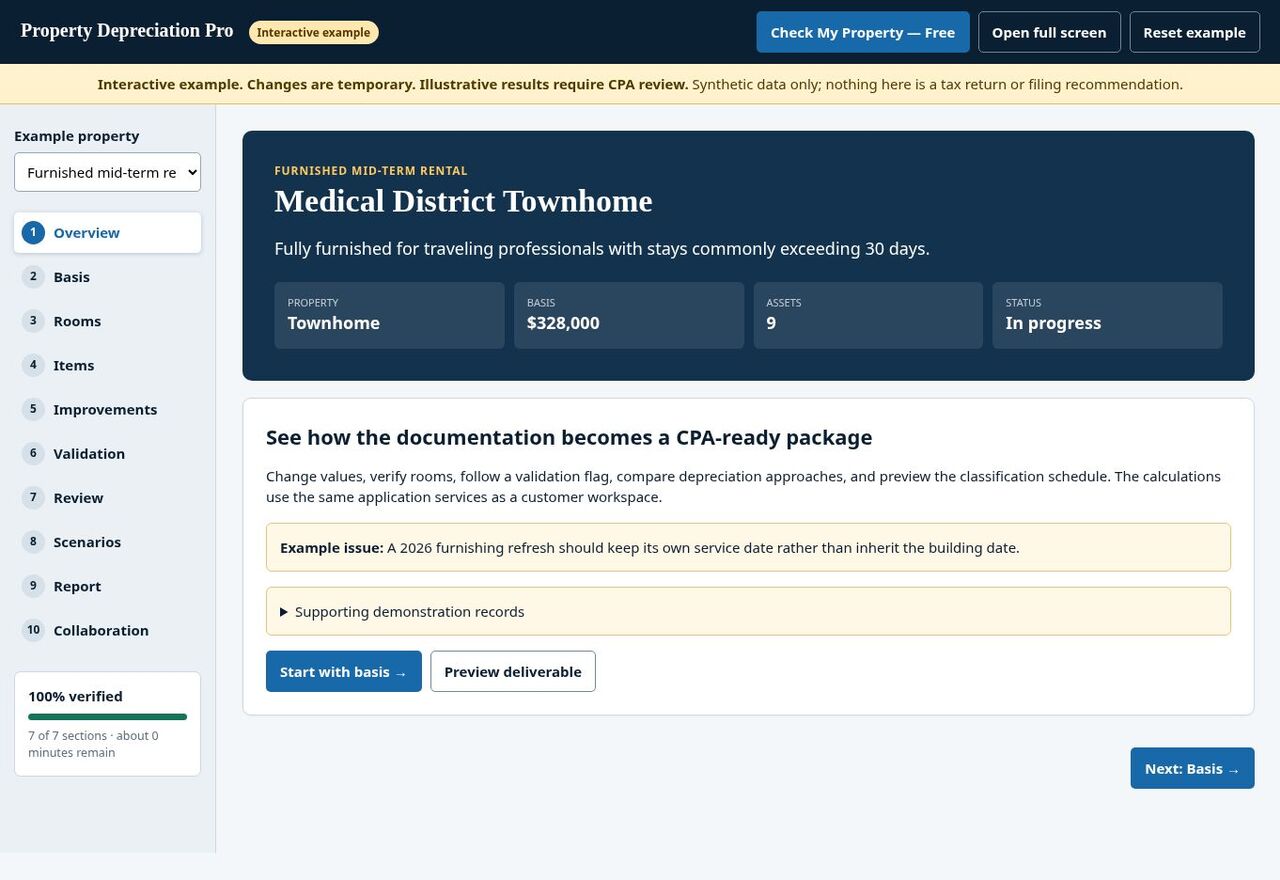
Explore synthetic property information using the app’s native tabs. You provide facts and supporting records; PDP organizes them for professional review.
This sample is not your saved customer property or a filing recommendation. Your tax professional determines final treatment.
Public product samples
Inspect the report and asset schedule.
Sample report
Review the anonymized report structure, basis reconciliation and professional-review points.
Open Sample Report →Sample spreadsheet
Inspect the itemized CSV asset schedule. Tax-software import compatibility should not be assumed.
Download Sample Spreadsheet →Official reference starting points
Review source materials with your tax professional.
Use official materials relevant to the tax year and facts under review. These links are reference starting points, not a determination of your property’s treatment.
Documentation questions.
Should I wait until every document is available?
You can begin with the facts you know. Identify missing support and resolve required review points before your professional relies on the file.
How long does PDP retain records?
The service provides seven-year record retention. Keep your own copies of important originals and downloaded reports.
Can an official source link confirm my classification?
A reference alone does not resolve every property fact. Your professional evaluates the relevant source, tax year, documentation and proposed treatment.
Does PDP send documents to STR Advisory automatically?
No automatic transfer occurs simply because you follow a financing link. Any transfer of property or tax information requires your permission.