
Quick answer: Use each room or section checklist to identify the items actually present, then enter their quantities and supporting facts.
Before you begin #
Have a room walk-through, purchase records, and photographs if available.
Steps #
- Open a room or property-wide checklist.
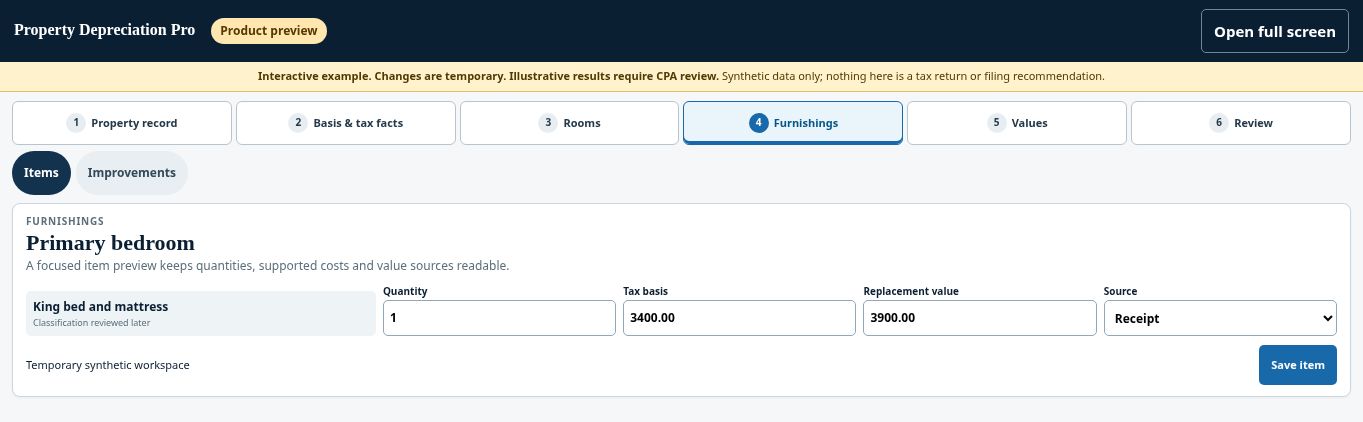
- Select the furnishings or appliances actually present. Add or describe items using the available controls when a checklist does not cover them.
- Review quantities and item details. Do not count a single item in both a room and an appliance section.
- Save the section and continue through the remaining rooms.
See this stage in the current demo #
Check before continuing #
An inventory should describe what belongs in this property and project, not everything that might be found in a typical rental.
If you get stuck #
If an item is missing from the checklist, use the available custom-entry controls or request guidance rather than selecting a materially different item.
Related help #
Open Property Depreciation Pro and select the relevant property. View the product tour.
This guide explains software use. Your CPA independently reviews classification, tax treatment, elections, and whether deductions are available or usable for your circumstances.


