
Quick answer: The standard workflow is intended for qualifying residential properties with no more than four units. Screening is a fit check, not a guarantee of report approval.
Before you begin #
Know the unit count, property type, ownership, and whether unusual acquisition or conversion facts apply.
Steps #
- Select the property type and project type that describe the property.
- Confirm the residential unit count. Identify facts that fall outside a straightforward residential project.
- Answer review questions accurately, including any acquisition, conversion, exchange, or construction questions shown.
- If the workflow flags a complex fact, retain the explanation and follow the indicated review path before assuming the standard package fits.
See this stage in the current demo #
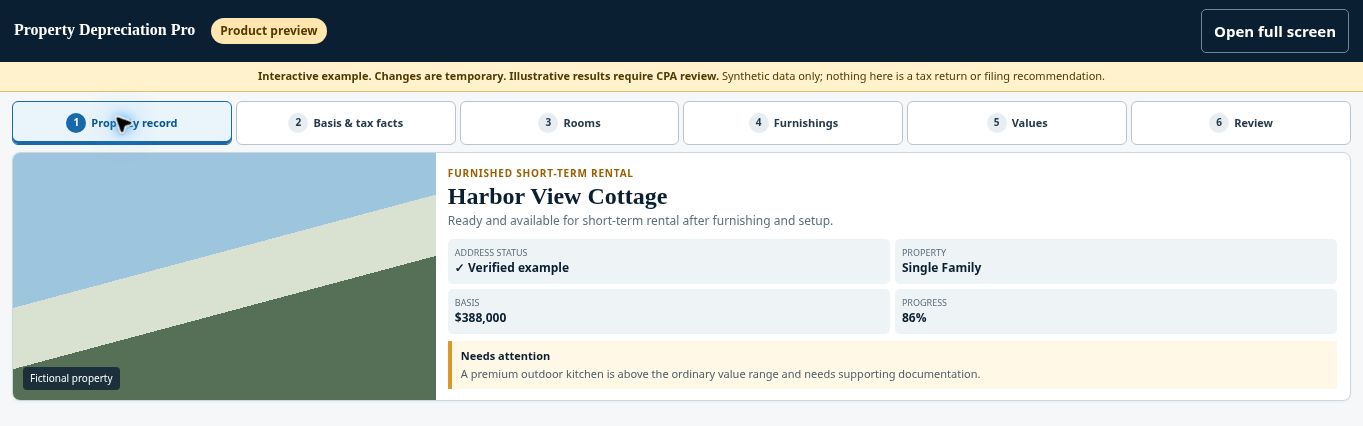
Try the Property record demo →
Check before continuing #
A property marked for attention still needs the issue resolved. The $395 standard qualifying-property price is not a quote for a complex engineering study.
If you get stuck #
For larger, mixed-use, commercial, or unusually complex properties, request a fit review. Do not alter the property facts to force the standard workflow.
Related help #
- Start a free property check
- Verify your address and property-data prefill
- Choose the rental-use option that matches your property
Open Property Depreciation Pro and select the relevant property. View the product tour.
This guide explains software use. Your CPA independently reviews classification, tax treatment, elections, and whether deductions are available or usable for your circumstances.


