
Quick answer: The CPA handoff includes the report and depreciation spreadsheet available for the selected project and version. Review the contents before sharing.
Before you begin #
Complete the required project and review steps and confirm the intended report version.
Steps #
- Open the project workspace and locate the report or export controls available.
- Download the available PDF report and spreadsheet.
- Open the files and check the property identity, basis, dates, asset inventory, assumptions, and version.
- Give your CPA the package with the supporting records and unresolved questions.
See this stage in the current demo #
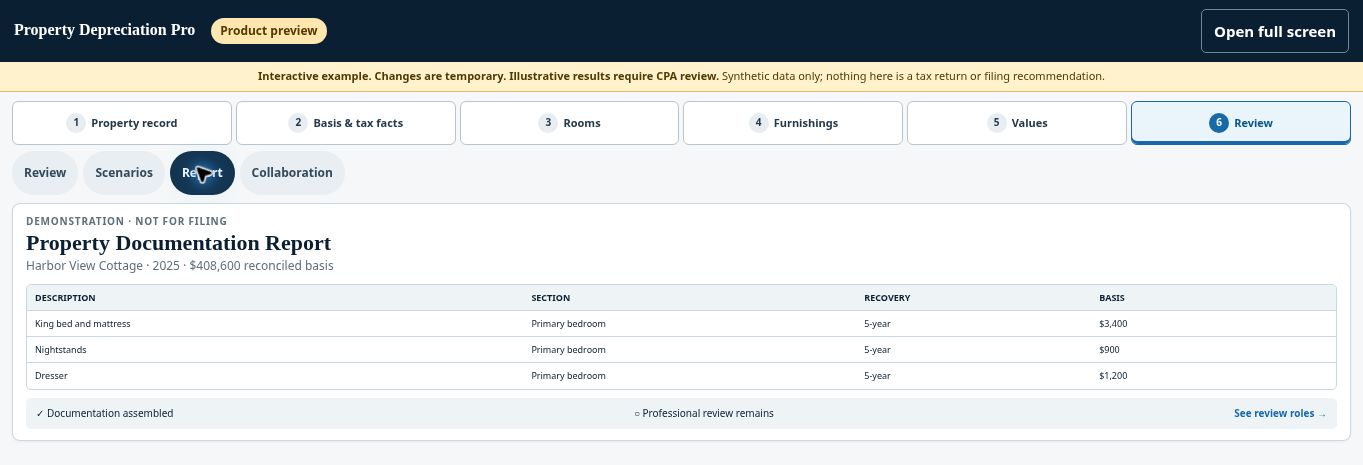
Check before continuing #
The public sample is illustrative. An exported package does not constitute a filed return, engineering-based study, or independent approval of a tax position.
If you get stuck #
If an export is unavailable, review payment, completion, and review status. Do not assume every project is ready for delivery merely because intake is complete.
Related help #
- Check readiness and complete checkout
- Share a project with your CPA using a secure link
- Correct factual information and review a revised version
Open Property Depreciation Pro and select the relevant property. View the product tour.
This guide explains software use. Your CPA independently reviews classification, tax treatment, elections, and whether deductions are available or usable for your circumstances.


