
Quick answer: Create the rooms and property-wide sections that match the property before completing the item inventory.
Before you begin #
Prepare a room list and note appliances, flooring, exterior work, security, utilities, and renovations.
Steps #
- Open the room-building step and select the rooms present in the property.
- Add custom rooms when the standard list does not describe the space.
- Select the property-wide sections needed for assets or work that are not limited to one room.
- Create the checklists and review the room names before moving to the item stage.
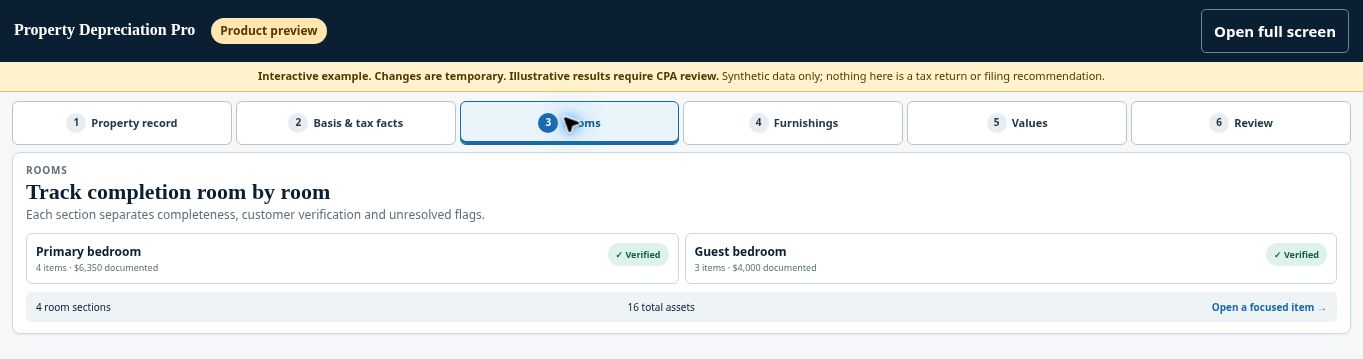
See this stage in the current demo #
Check before continuing #
Each room should be recognizable. Shared or property-wide items should appear once rather than being duplicated in several rooms.
If you get stuck #
If a section is unnecessary, review its contents before removing it. Do not delete a section that holds records you still need.
Related help #
Open Property Depreciation Pro and select the relevant property. View the product tour.
This guide explains software use. Your CPA independently reviews classification, tax treatment, elections, and whether deductions are available or usable for your circumstances.


