
Quick answer: Recommended ranges help organize estimates. They do not establish actual cost or make an unsupported value documented.
Before you begin #
Complete the item list and identify which costs are supported by records and which are estimates.
Steps #
- Open the valuation step and review the working-range choices shown.
- Review the quantity, source, condition, and current value for each item before accepting a recommendation.
- Use bulk changes only for the intended section and range. Inspect the affected items afterward.
- Save the values and reopen unfinished sections until you have reviewed the full inventory.
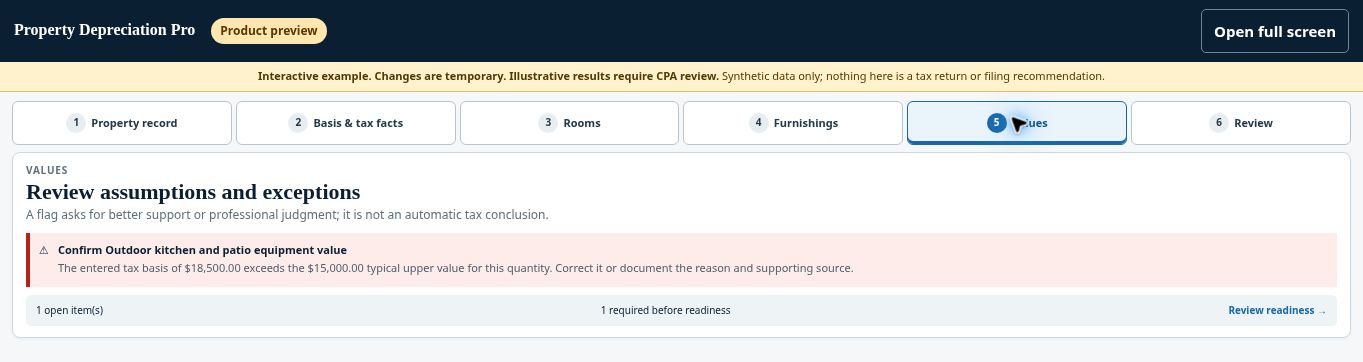
See this stage in the current demo #
Check before continuing #
A replacement estimate, a modeled range, and tax basis are different facts. Confirm the field being changed before applying a value.
If you get stuck #
If a bulk change produces implausible totals, revisit the affected section and correct the items before final verification.
Related help #
Open Property Depreciation Pro and select the relevant property. View the product tour.
This guide explains software use. Your CPA independently reviews classification, tax treatment, elections, and whether deductions are available or usable for your circumstances.


