
Quick answer: Use the relevant property-wide section to record work such as flooring, exterior improvements, utilities, and renovations. Classification remains subject to review.
Before you begin #
Gather invoices, work descriptions, completion dates, and the location of the work.
Steps #
- Open the relevant improvement or property-wide section.
- Describe the actual work, location, and scope. Keep separate projects distinguishable.
- Enter cost and timing facts in the fields available for the item.
- Keep supporting invoices and records with the project and flag uncertain facts for review.
See this stage in the current demo #
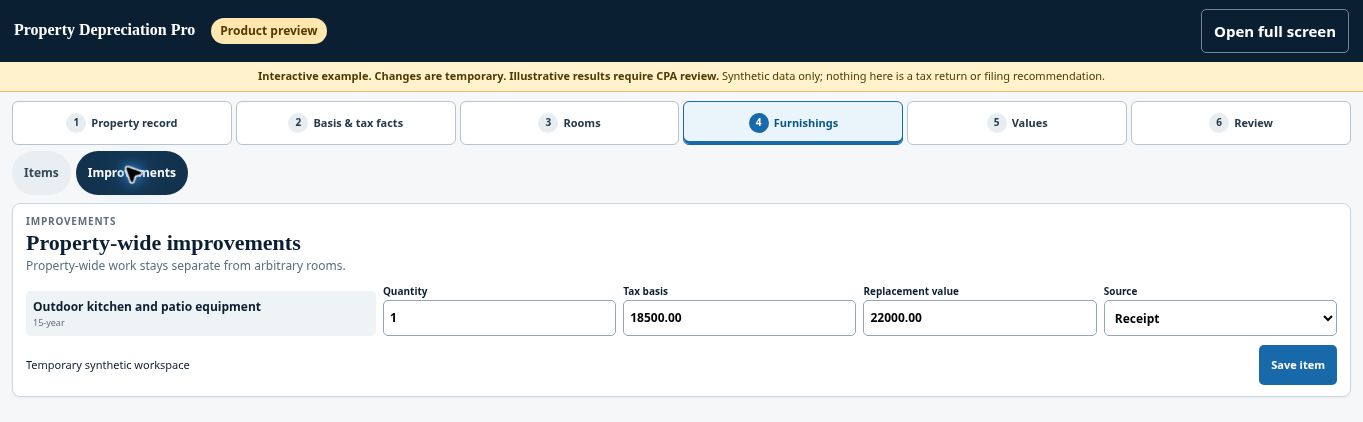
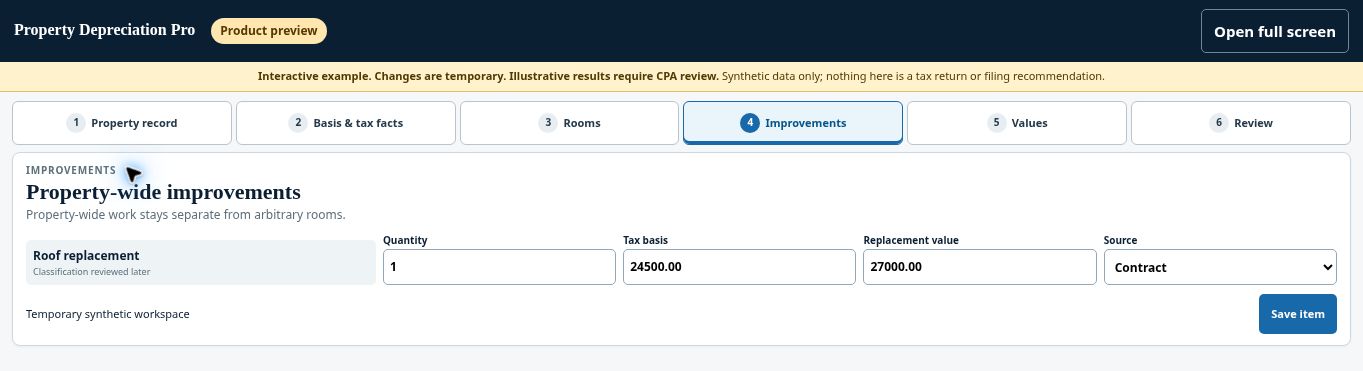
Try the Long-term rental improvements demo →
Check before continuing #
Avoid recording the same cost as both an original acquisition component and a later improvement without explaining the relationship.
If you get stuck #
Do not decide repair-versus-improvement treatment from a label alone. Give your CPA the underlying facts and supporting records.
Related help #
Open Property Depreciation Pro and select the relevant property. View the product tour.
This guide explains software use. Your CPA independently reviews classification, tax treatment, elections, and whether deductions are available or usable for your circumstances.


