
Quick answer: The purchase date and the date the property was ready and available for its intended rental use can differ. Record both facts accurately.
Before you begin #
Have closing documents and records of rental readiness, availability, and personal use.
Steps #
- Enter the acquisition date from your purchase records.
- Enter the placed-in-service date based on the property’s actual readiness and availability.
- Complete personal-use and other timing fields shown. Identify conversions or unusual acquisition facts when prompted.
- Save the section and retain records supporting the dates.
See this stage in the current demo #
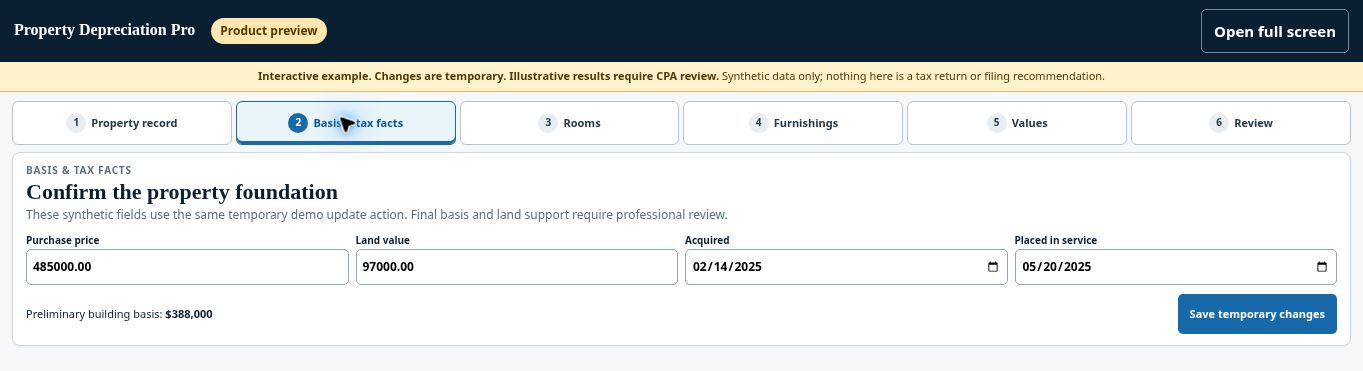
Try the Basis & tax facts demo →
Check before continuing #
A later-added furnishing or improvement may have its own acquisition and service dates. Do not automatically assign every asset the property’s original date.
If you get stuck #
If the date is uncertain, record the missing evidence and ask your CPA to evaluate it. A booking, purchase, or listing date alone may not resolve every case.
Related help #
Open Property Depreciation Pro and select the relevant property. View the product tour.
This guide explains software use. Your CPA independently reviews classification, tax treatment, elections, and whether deductions are available or usable for your circumstances.


