
Quick answer: Prefill can reduce typing, but imported property facts still need your confirmation.
Before you begin #
Have a closing statement, listing, or other reliable property record available.
Steps #
- Open the property-information step and validate the address.
- Review any imported bedrooms, bathrooms, square footage, construction year, and lot information.
- Compare the imported information with your records. Correct facts that are outdated or refer to a different unit or parcel.
- Save the property information and continue only after checking the property identity.
See this stage in the current demo #
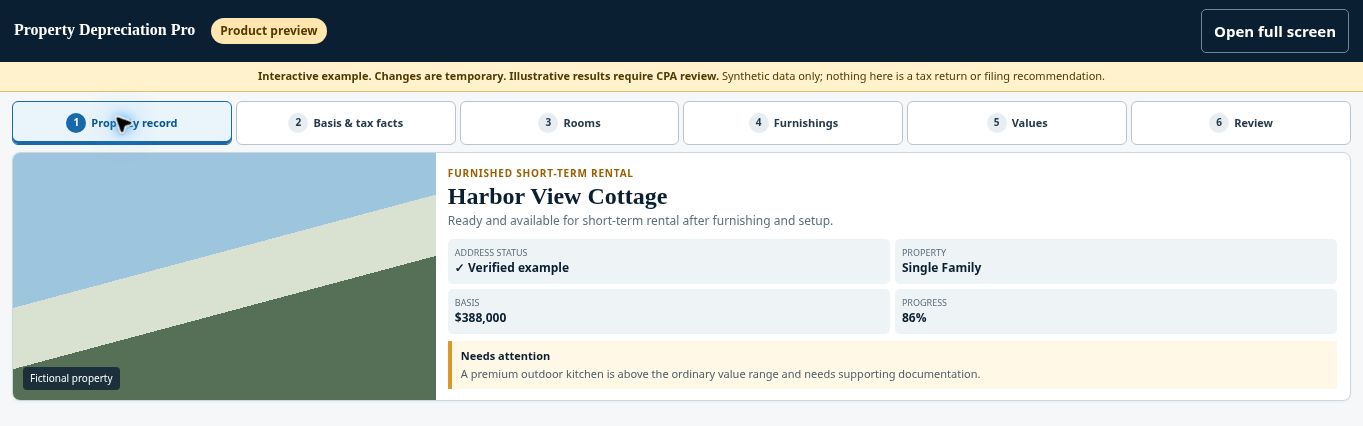
Try the Property record demo →
Check before continuing #
The saved address should identify your property, not a neighboring parcel or entire condominium building.
If you get stuck #
If public records conflict with your documents, preserve the supporting record and use the correct factual information. Ask for help if the project cannot be corrected.
Related help #
- Start a free property check
- Check property type and complexity before continuing
- Choose the rental-use option that matches your property
Open Property Depreciation Pro and select the relevant property. View the product tour.
This guide explains software use. Your CPA independently reviews classification, tax treatment, elections, and whether deductions are available or usable for your circumstances.


